

Speak. Stop. Paste.
Your voice becomes text — on your device. One paste, in any app.
Free to try · No account · One-time purchase, no subscription
Nothing happens in between.
“So, um, I wanted to ask — no wait, I mean: can we move Thursday's meeting to two o'clock? Would that work.”
Marked: stays exactly as said.
No rewriting, no smoothing, no summarizing. Punctuation and capitalization come from the recognizer — nothing else happens.
How it works.
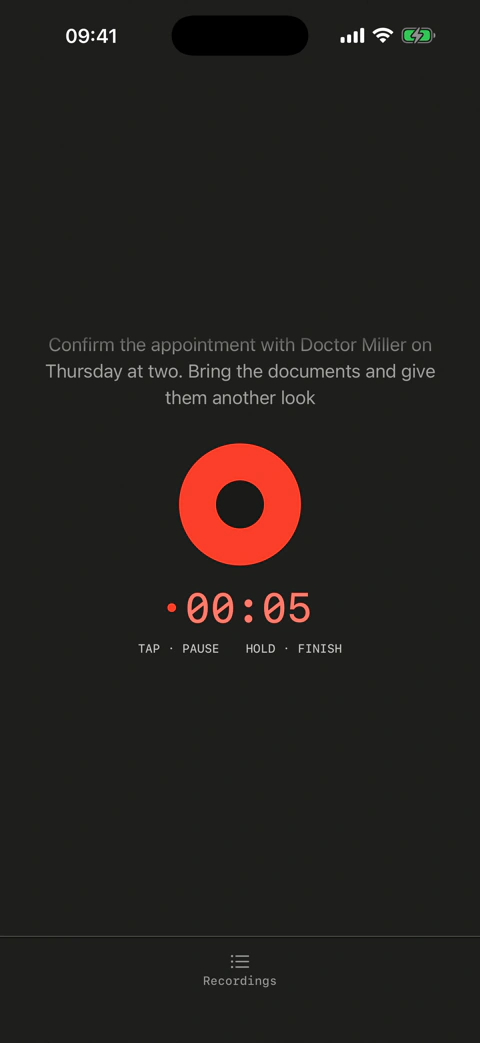
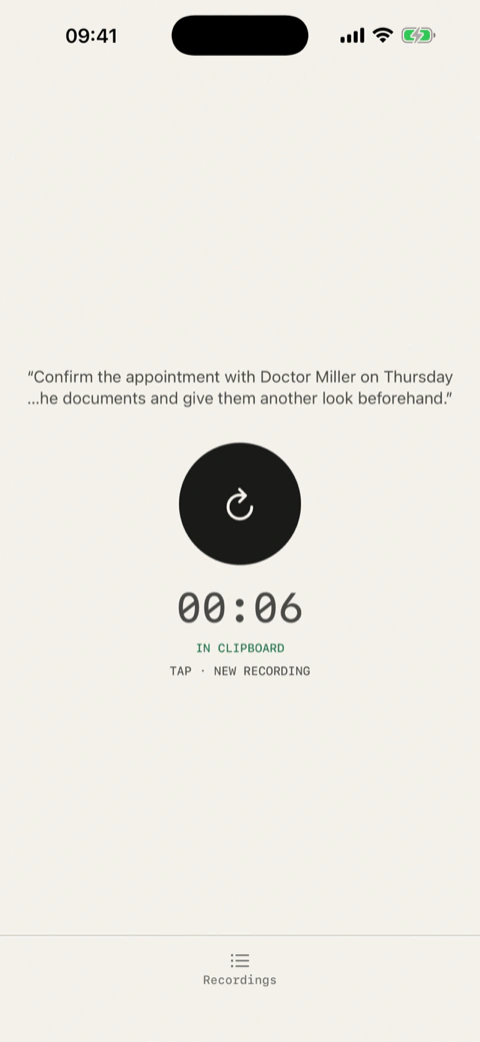
Open. Recording has already started.
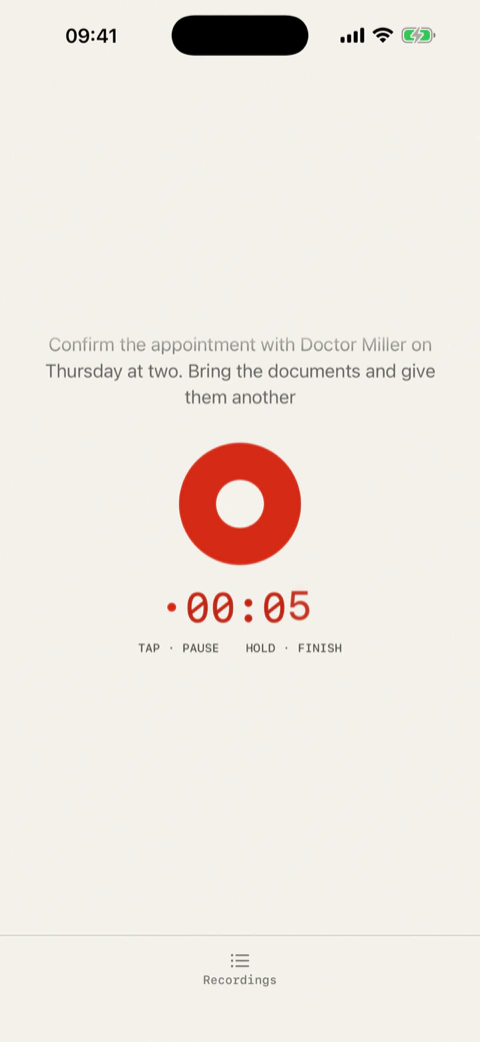
Speak. Your words appear live.
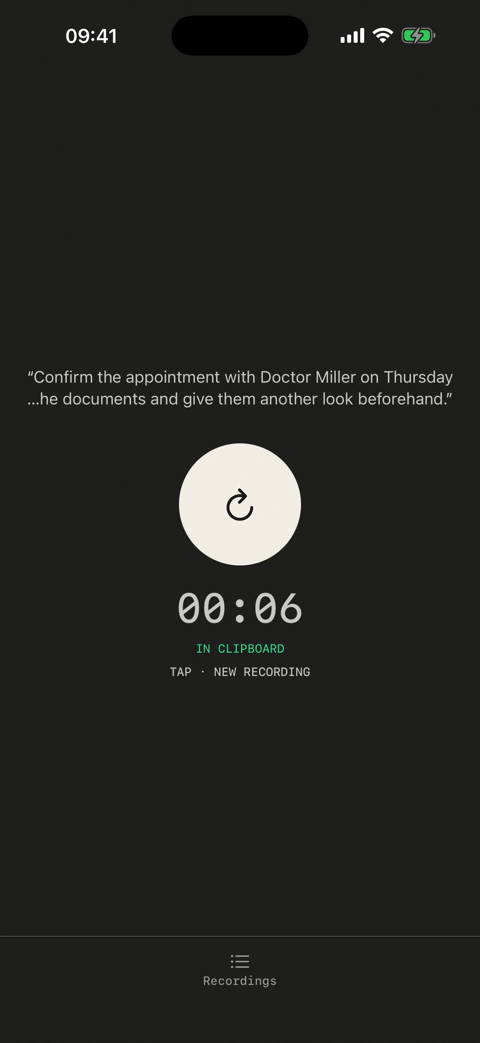
Stop. The text is in your clipboard automatically — no selecting, no copying.
Works anywhere you can type: messages, notes, mail, any text field.
So, um, I wanted to ask — no wait, I mean: can we move Thursday's meeting to two o'clock? Would that work.
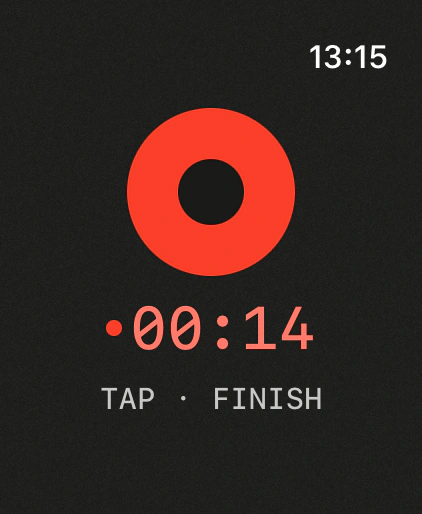
Speak on your Apple Watch. Paste on your Mac.
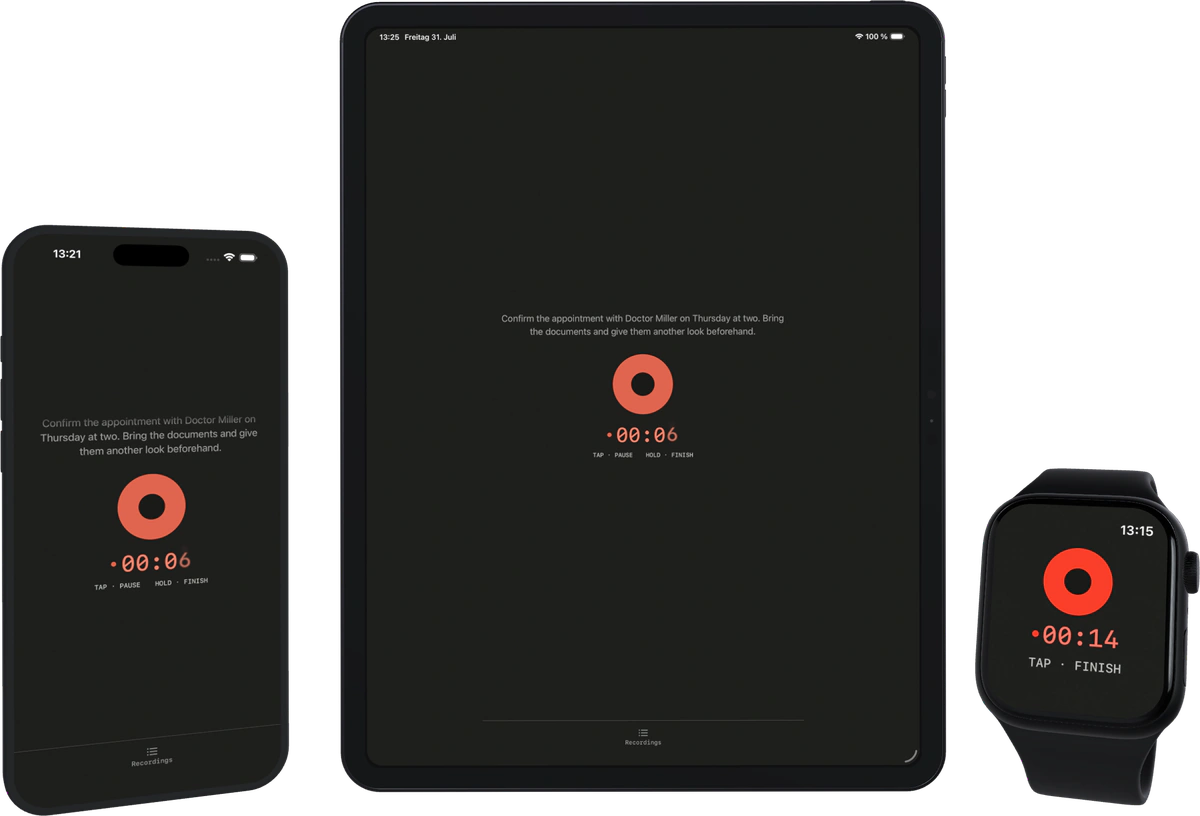
The Apple Watch records. The iPhone transcribes and puts the text in the clipboard. From there Apple's Universal Clipboard carries it to your Mac and iPad.
So, um, I wanted to ask — no wait, I mean: can we move Thursday's meeting to two o'clock? Would that work.
Your iPhone is nearby.
All devices on the same Apple Account, Bluetooth and Wi-Fi on.
The transfer from the watch takes a moment.
Diktat is also on the Mac: press a key, speak — the text lands in the focused field. →
Features.
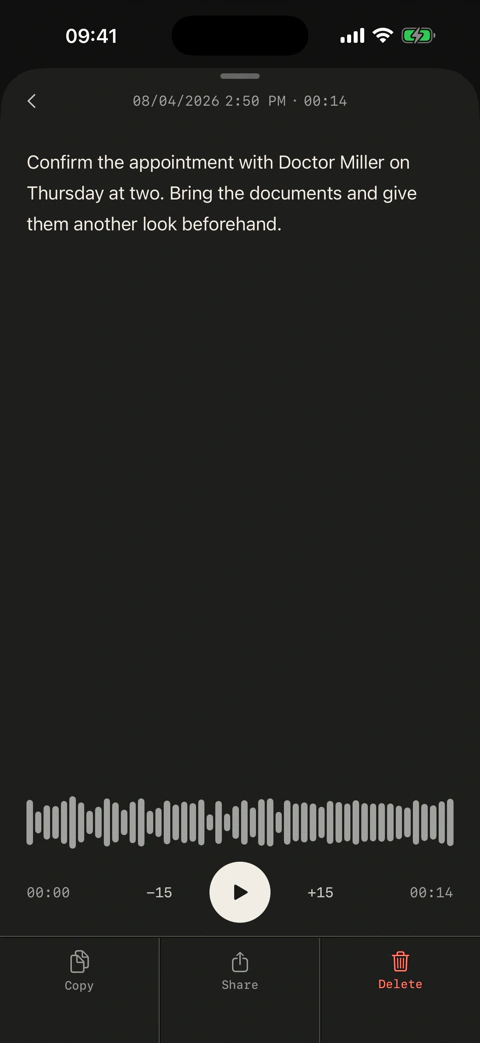
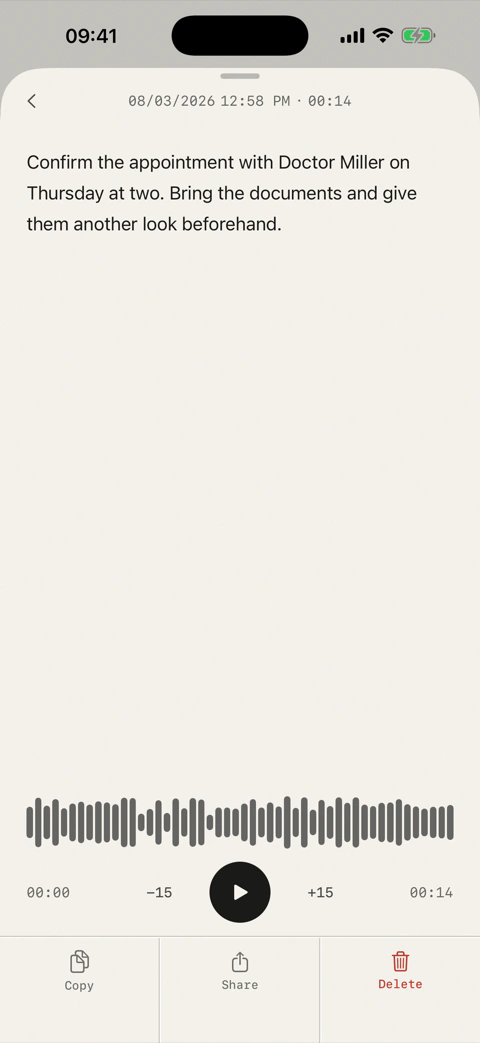
Newest first, with date and time. Copy any of them again, any time.
Every recording can be listened to.
You pick which model runs.
The audio file is written continuously. Recordings survive a crash.
No transfer. Nothing leaves your device.
“Hey Siri, Diktat” starts recording.
One press on the side button.
Record from the Home or Lock Screen.
Timer and stop button while recording.
Languages and recognition.
A model is downloaded once, after that Diktat needs no internet. Which recognitions you can choose from depends on your device.
No account. No cloud.
No analytics. No tracking.
Your voice never leaves your device.
Free to try.
Buy Pro once.
History: 7 days
All recognitions
History: unlimited
All recognitions
iPhone · iPad · Apple Watch — one purchase.

Diktat has no servers. No running costs for us means no subscription for you.
Questions.
Does Diktat work in every app?
Yes. The text is in your clipboard — paste once, done. That is why it works anywhere you can enter text.
Why no subscription?
Diktat has no servers. Everything happens on your device. No running costs for us means no subscription for you.
Does Diktat improve my text?
No. Punctuation and capitalisation come from the recognition. After that, nothing runs over the text.
What is the difference to other dictation apps?
Most of them rewrite what you say — filler words out, grammar smoothed, wording “improved”. Diktat does not.
Does it really work without internet?
The recognition runs on your device. A model is downloaded once, after that Diktat needs no internet.
Can I teach it my own words?
No. The built-in recognition does not support a custom dictionary.
What happens to my recordings?
They stay on your device. You can delete them at any time.
Which languages?
Depends on the recognition you pick: the built-in one around 22, WhisperKit up to 99, Parakeet 25 European ones.
How does the Apple Watch work?
You record on the watch, your iPhone converts it and puts the text in the clipboard. From there you can paste it on your Mac and iPad. Your iPhone has to be nearby for this.
Is there a Mac version?
The Mac version is in progress.
Speak. Stop. Paste.
Free to try. Buy once. iPhone, iPad and Apple Watch in a single purchase.